

Reference

Your goldsbeat Account on Every Device

We built browser access so you reach the lobby from any phone or tablet without installing files. Open the site, sign in with your credentials, and your wallet shows bKash, Nagad and Rocket right there.

Mobile browserNo APK requiredDevice compatibility checkSecure login
goldsbeat Your goldsbeat Account on Every Device

What Works on Your Device

Our browser interface runs on Android, iOS and any tablet with a modern browser. You need an active account and a connection to load game tiles; cached previews let you browse when you're offline. Check your browser version if the layout looks broken — we recommend Chrome or Safari updated within the last year.

Browser AccessChrome, Safari, Firefox and Edge all display the full mobile layout; older or niche browsers may show a basic HTML fallback.
Screen LayoutThe interface scales to fit any phone or tablet screen; portrait mode stacks sections vertically, landscape mode spreads the wallet and game grid side by side.
Account RequirementsYou must be signed in to place bets or make deposits; guest browsing shows game tiles but locks the wallet panel.
Supported DevicesAndroid phones running version five or later, iPhones with iOS ten or later, and tablets of any size all work — check our site footer for the current compatibility list.
Connection SpeedLive tables stream smoothly on a stable mobile connection; slot games load lighter assets and play well even on slower networks.
goldsbeat Mobile Access in Three Steps

Mobile Access in Three Steps

You don't need an app store or a download. Open goldsbeat in Chrome, Safari or any modern browser on your phone. The site detects your screen size and loads the mobile layout automatically. Sign in with the same username and password you use on desktop — or register a new account if this is your first visit. Once you're in, the wallet

panel shows bKash, Nagad and Rocket deposit buttons at the top. Add the page to your home screen if you want a shortcut icon, but the browser tab works just as well. Your session stays live until you log out, so closing the tab won't kick you off mid-game.

  • Open the Site — Type goldsbeat into your mobile browser; the page loads the responsive layout without prompting for an install.
  • Sign In Securely — Enter your account credentials or register — the same login works across every device you own.
  • Check Device Compatibility — We support Android phones, iPhones, tablets and any device running a current browser; older systems may see a simplified view.
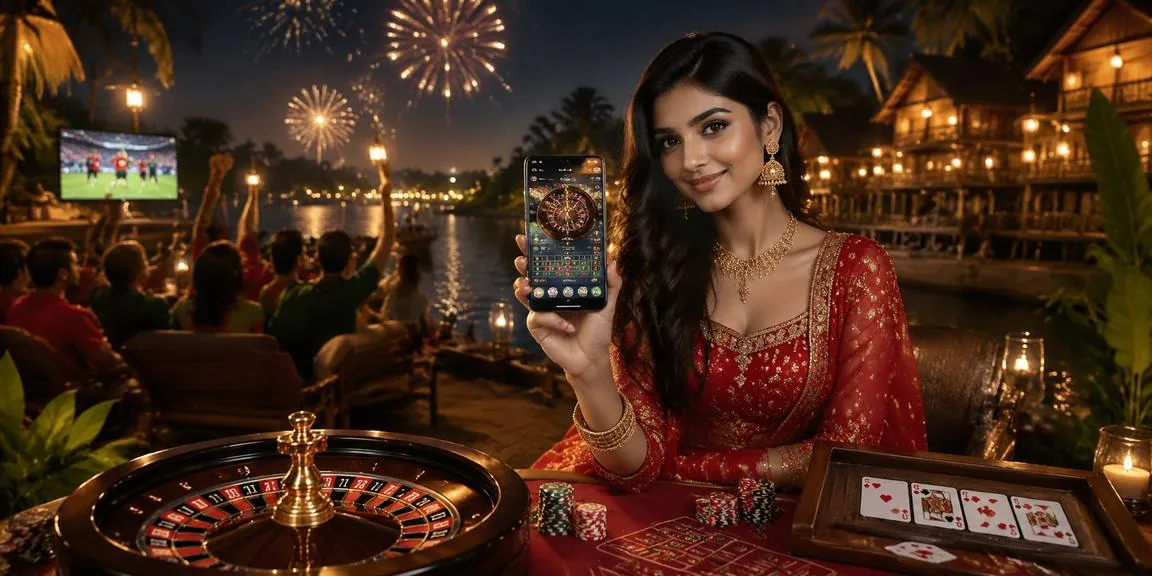
goldsbeat Lobby Features You Carry Everywhere

Lobby Features You Carry Everywhere

Our mobile interface gives you the same slot rooms, live baccarat tables and cricket betslip you see on desktop, scaled to fit your screen. Fingerprint login speeds up account access when your device supports it. Push notifications alert you when a deposit clears or a bet settles. Dark mode keeps the interface easy on the eyes during late-night sessions. We cache the

lobby structure so you can browse game tiles even when your connection drops for a moment, then place bets the instant you're back online. The wallet row stays at the top so bKash, Nagad and Rocket options are always one tap away.

Built for Fast Account Flow

Mobile access means every tool we built for desktop fits your phone. Biometric unlock replaces typing your password each time. Push alerts tell you when funds arrive or when a live table opens. Dark mode and offline lobby preview keep the experience smooth whether you're on the train or waiting between errands.

Fingerprint Login

Your device's biometric sensor unlocks your account in under a second, skipping the password screen every time you return to the lobby.

Push Notifications

We send alerts when your bKash deposit confirms, when a bet settles, or when a new promo starts — so you never miss a round.

Dark Mode

Toggle the interface to a low-light palette that saves battery and keeps your eyes comfortable during evening play sessions.

Offline Lobby Preview

Browse cached game tiles and table categories even when your connection drops; the moment you're online again, taps work instantly.

Mobile Access Questions

No — open goldsbeat in your mobile browser and the site loads the full lobby. We don't require an APK or app-store install; everything runs through the web.

Yes. The wallet row at the top shows bKash, Nagad and Rocket buttons. Tap one, enter the amount, and follow the payment-app flow to confirm your deposit.

It works when your device has a biometric sensor and you enable it in account settings. Older phones without a fingerprint reader fall back to password entry.

Yes — your login persists until you tap the logout button. Close the tab and reopen it later; you'll land back in the lobby without signing in again.

Your account wallet syncs across every device. Deposit on your phone, place a bet on desktop, and your balance updates instantly wherever you're signed in.

The game server holds your bet and completes the round. When you reconnect, the result appears in your history and your balance reflects the outcome automatically.
Reference

goldsbeat App

Service availability depends on eligible regions and local law. Users should check local rules before opening an account.

Access may be available only where local law permits.